Chasing down late payments, wrestling with spreadsheets, and manually tracking every dollar drains the productivity and energy you need to grow your business. For small business owners, disorganized invoicing isn’t just a headache; it’s a direct threat to your cash flow and peace of mind. The right invoice management software for small business automates these tedious tasks, helping you get paid faster, save countless hours, and reclaim your focus.
This guide provides a clear, practical comparison of the best tools available. We’re not just listing features; we’re offering a side-by-side showcase of the leading platforms, complete with real-world examples, honest pros and cons, and transparent pricing. Whether you’re a consultant needing to bill for project hours or a startup looking for a scalable accounting solution, you’ll find an actionable path to a better workflow.
You will gain insights into how each platform can solve your most pressing invoicing challenges. We’ve included detailed screenshots and direct links, allowing you to see exactly how they work. Our goal is to equip you with the information you need to make a confident decision, implement a system that saves you hours each week, and finally, put your focus back on what you do best—running your business.
1. Filently
Filently is an AI-powered document manager that transforms chaotic digital paperwork into a perfectly organized system with minimal effort. It stands out by automating the most painful aspects of invoice management: finding, renaming, and filing documents. Imagine a world where every vendor invoice and receipt you receive is automatically sorted into the right folder. That’s the peace of mind Filently offers, acting as a virtual administrative assistant that gives you back your time.
The pain point of manual organization is real—hours spent dragging PDFs, creating folders, and trying to remember naming conventions. Filently solves this with a “zero-touch” principle. You simply drop your invoices into a designated folder, and its AI takes over. Using Optical Character Recognition (OCR), it extracts key data like dates and vendor names, then intelligently renames and files the document into your existing cloud storage structure. This eliminates manual drudgery, saving significant time and reducing the risk of misplacing a crucial file.

Key Strengths and Use Cases
Filently’s core strength is its “Convention First” AI, which learns from your habits. If you correct a file name, the system remembers, leading to accuracy rates that the company reports as exceeding 90%. This makes it an ideal invoice management software for small business because it adapts to your workflow, not the other way around, boosting your productivity from day one.
Practical Examples:
- Freelancers: Drop a client’s invoice into your “Process” folder, and Filently automatically renames it “2024-10-25 - Client A - Invoice 101.pdf” and moves it to
/Clients/Client-A/Invoices/2024/. No more manual sorting. - Small Business Owners: Automate the processing of vendor bills. A bill from your software provider is instantly filed under
/Expenses/Software/VendorName/, ensuring records are always organized for bookkeeping. This provides immense peace of mind at tax time. - Accountants: Streamline client document collection by having clients drop all financial PDFs into a shared folder, where Filently sorts them automatically before review.
A significant differentiator is Filently’s privacy-first architecture. Unlike platforms that store your data, Filently processes files within your own cloud environment (currently Google Drive). This ensures you retain full control over sensitive data, a critical element for financial peace of mind.
Limitations and Access
While powerful, Filently is still evolving. Currently, its full integration is limited to Google Drive, although support for Dropbox and OneDrive is planned. Its initial design is geared towards individual users, with team collaboration features on the future roadmap.
Filently offers tiered pricing (Free, Pro, Business), and early adopters on the waitlist can access a special offer of 33% off for life. For those interested in adopting a smarter workflow, you can learn more about the benefits of paperless document management software from Filently .
- Best For: Freelancers, solopreneurs, and small businesses seeking to automate document filing without changing their existing cloud storage setup.
- Website: https://filently.com
2. Intuit QuickBooks Online
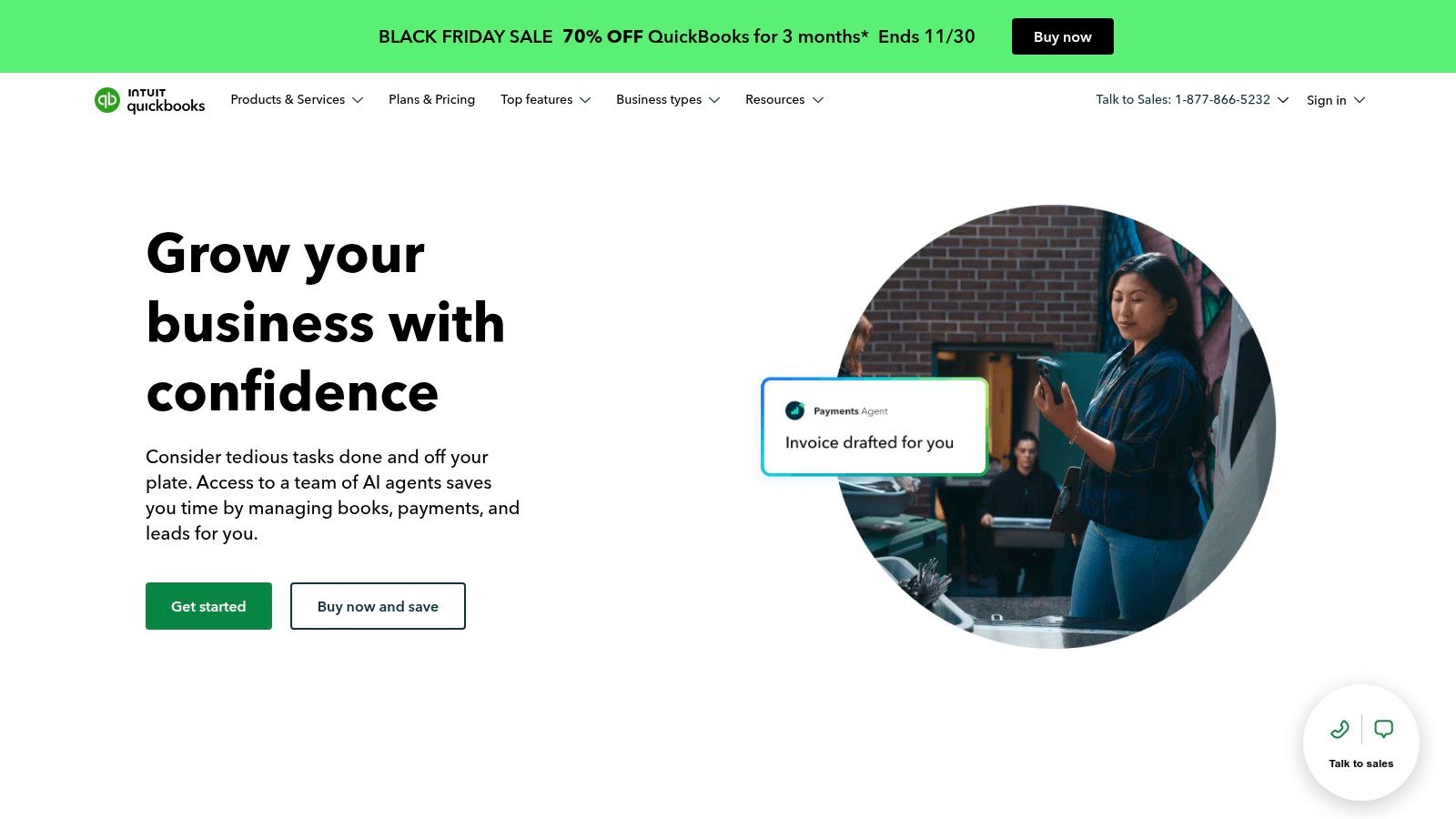
Intuit QuickBooks Online is a complete accounting ecosystem, making it the ideal invoice management software for small business owners who want a single platform to handle everything. From sending invoices and accepting payments to managing expenses and preparing for tax time, it provides an all-in-one solution. This integration saves significant time by eliminating the need to juggle multiple tools and ensures your financial data is always consistent, offering true peace of mind.
Why It Stands Out
QuickBooks excels with its robust, all-in-one functionality. You can create professional invoices, set up recurring billing for retainer clients, and automatically send payment reminders to reduce late payments. The platform’s strength is how invoicing seamlessly connects to your overall financial picture, automatically updating your books when an invoice is paid. For businesses operating internationally, a comprehensive QuickBooks Accounting UAE guide can offer country-specific insights on setup.
- Best For: Businesses wanting an all-in-one accounting and invoicing solution that can scale with their growth.
- Key Features: Customizable invoices, automated reminders, robust reporting, inventory tracking, and a massive app marketplace for integrations.
- Pricing: Plans start at $30/month for “Simple Start,” with “Plus” at $90/month being the most popular for growing businesses. QuickBooks often runs promotions for new users.
| Pros | Cons |
|---|---|
| Integrated accounting & invoicing | Can be more complex than standalone tools |
| Widely used by accountants | Higher cost, especially with add-ons |
| Scales from solopreneurs to SMBs | Some features are gated behind expensive tiers |
Website: https://quickbooks.intuit.com/online/
3. FreshBooks
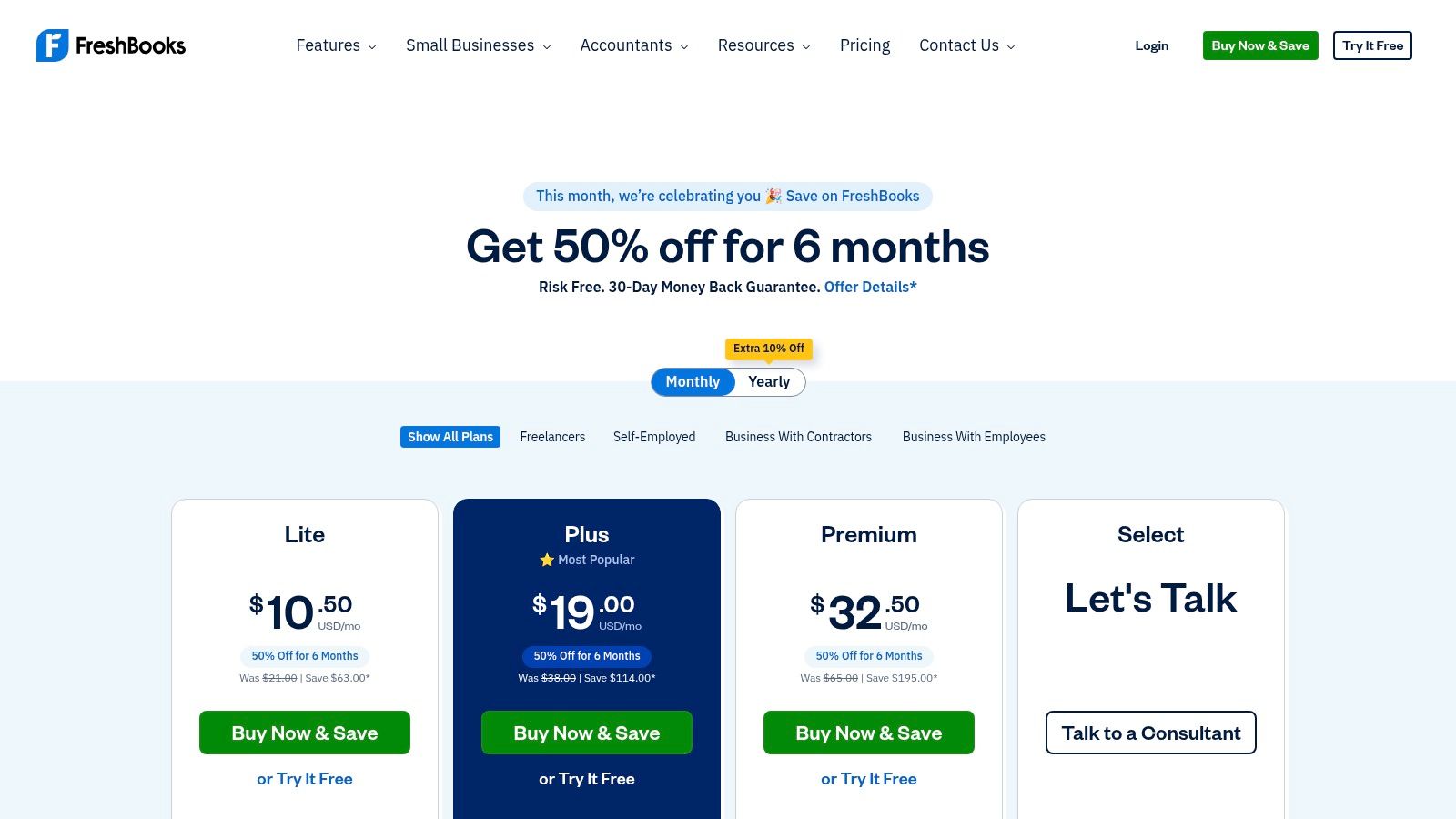
FreshBooks has carved out a niche by focusing squarely on service-based small businesses. Its soul lies in creating a seamless and professional client experience from proposal to payment. This makes it the perfect invoice management software for small business owners who prioritize client relationships and need to track time and expenses against projects effortlessly. Its intuitive interface ensures you spend less time on paperwork and more time on billable work, directly boosting productivity.
Why It Stands Out
FreshBooks excels with its powerful, yet simple, time-tracking that flows directly into invoices. Actionable example: A consultant uses the built-in timer to track hours on a project. When the month ends, they generate an invoice, and FreshBooks automatically populates it with all tracked hours, descriptions, and rates, saving administrative time and preventing lost billable hours. The platform also offers a polished client portal where customers can view, print, and pay invoices online, which streamlines the payment process and enhances professionalism. This focus on the service workflow provides peace of mind, knowing your billing is accurate and timely.
- Best For: Freelancers, consultants, and service-based businesses that bill for their time and projects.
- Key Features: Professional invoicing and estimates, integrated time tracking, expense capture, a dedicated client portal, and highly-rated mobile apps.
- Pricing: Plans begin at $19/month for the “Lite” tier, with the “Plus” plan at $33/month being a popular choice for growing businesses. Annual payments offer a discount.
| Pros | Cons |
|---|---|
| Very easy to learn with a strong client-facing experience | Client limits and some features require higher tiers |
| Good quoting and retainer workflows for service businesses | Add-ons for advanced payments or extra team members increase cost |
| Excellent time-tracking and project-billing integration | Less comprehensive for inventory-based businesses |
Website: https://www.freshbooks.com/pricing/
4. Zoho Invoice
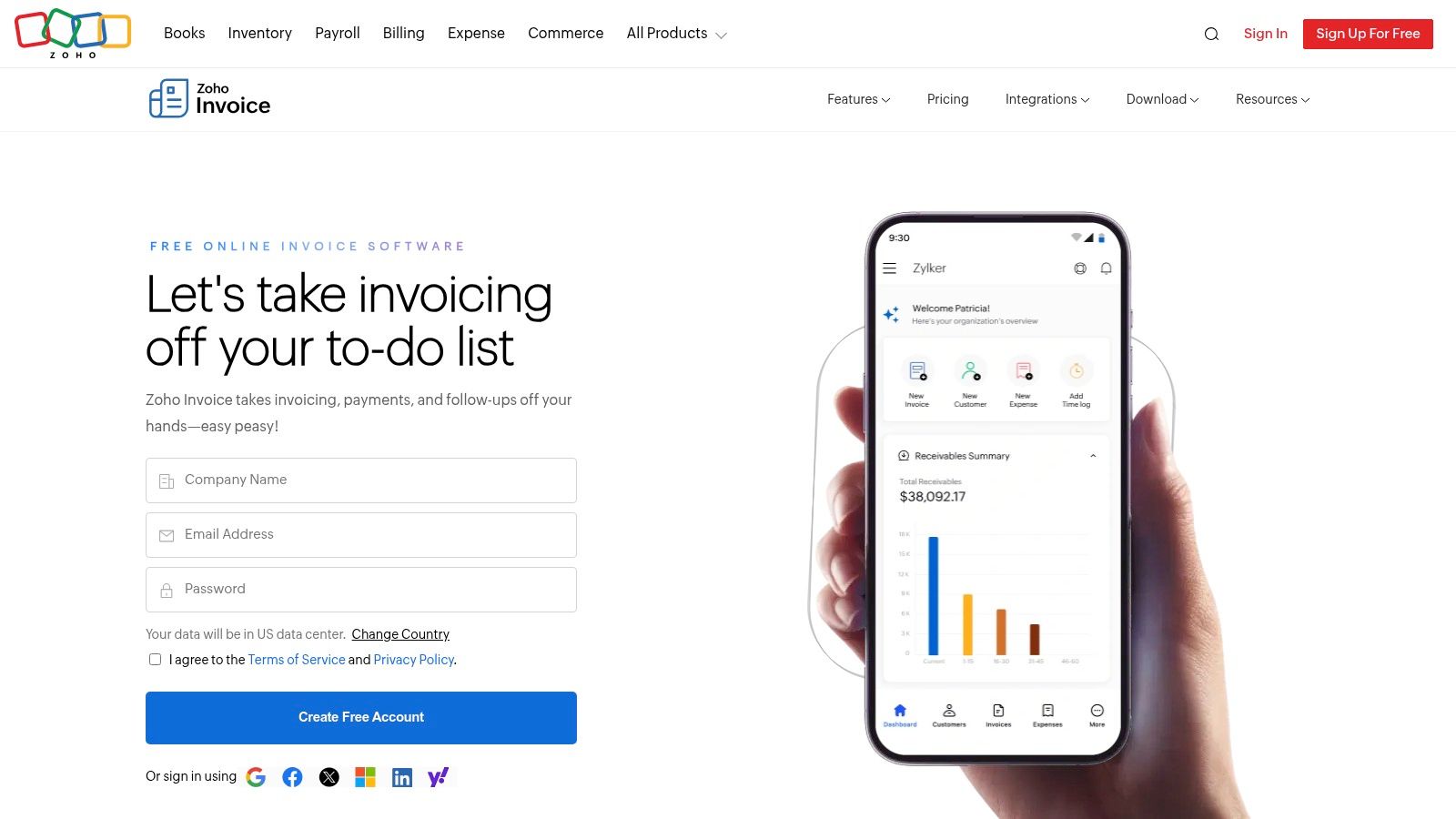
Zoho Invoice stands out by offering a powerful, feature-rich invoicing platform that is genuinely free. This isn’t a limited trial; it’s a permanent, no-cost solution designed for freelancers and small businesses that need professional invoicing without the monthly subscription burden. It provides a complete toolkit to manage the entire client billing cycle—from estimates to payments to thank-you notes—giving users incredible peace of mind and saving money from day one.
Why It Stands Out
The primary appeal of Zoho Invoice is its unbeatable value: a comprehensive invoice management software for small business owners at no cost. You can create and customize beautiful invoices, convert accepted estimates into invoices with a single click, and automate recurring billing and payment reminders to save significant time. Actionable example: A subscription-based service sets up recurring monthly invoices for all clients. Zoho automatically sends the invoices and follow-up reminders, ensuring consistent cash flow without any manual effort from the business owner.
- Best For: Freelancers and small businesses looking for a robust, completely free invoicing solution to start with.
- Key Features: Customizable invoices and estimates, recurring invoices and reminders, multiple payment gateway options, a client portal, time tracking, and expense capture.
- Pricing: The invoicing features are completely free for a single user. For more advanced accounting, you would need to upgrade to Zoho Books (starting from $15/month).
| Pros | Cons |
|---|---|
| Forever-free plan for small businesses | Works best within the Zoho ecosystem |
| Broad feature set with no subscription fee | Advanced accounting needs Zoho Books |
| Includes time tracking and a client portal | Payment processing fees still apply via gateways |
Website: https://www.zoho.com/us/invoice/
5. Square Invoices
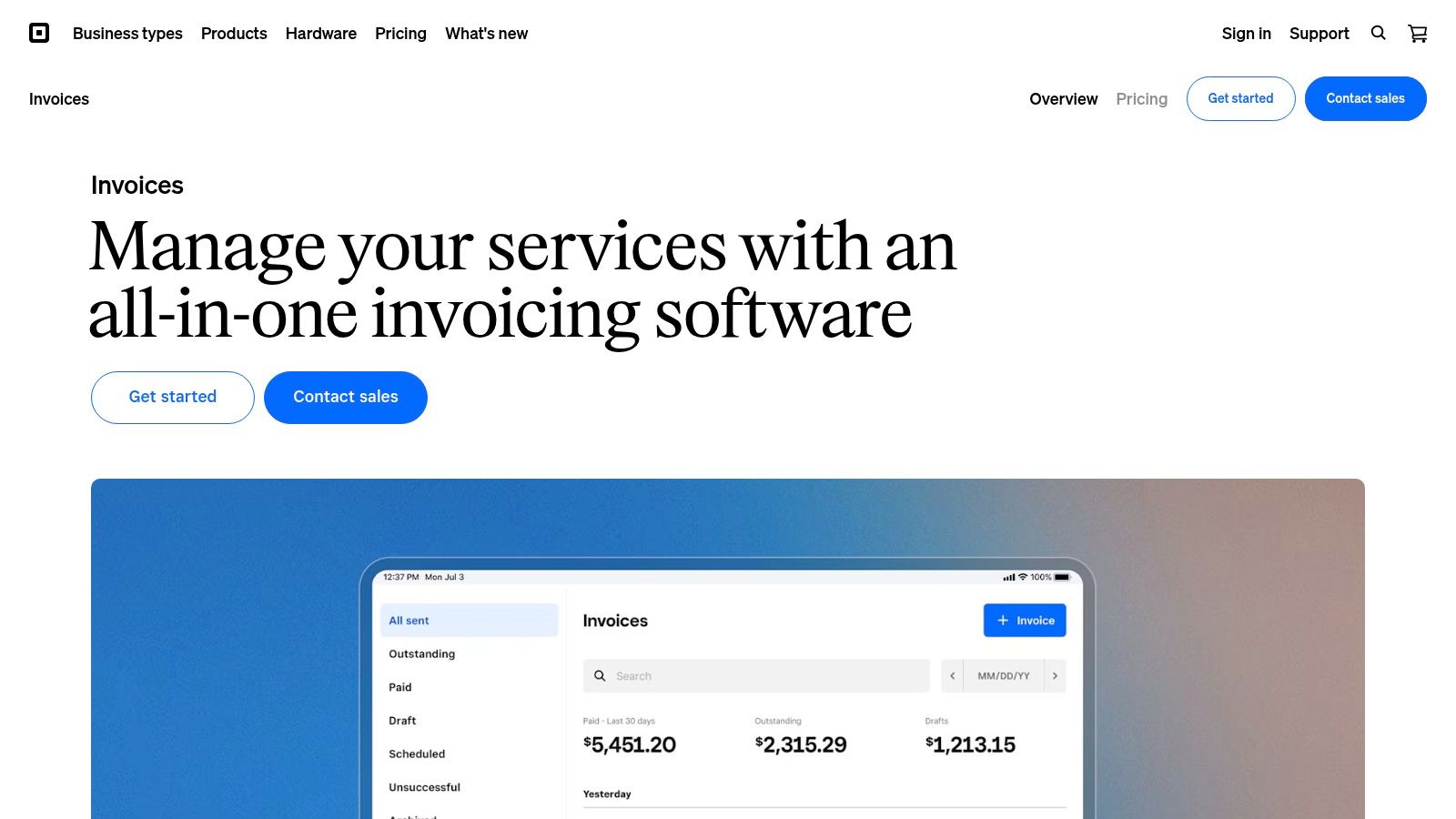
Square is a dominant force in point-of-sale (POS) systems, and its invoicing software brings that same simplicity to service-based businesses. Square Invoices is an excellent piece of invoice management software for small business owners who operate both online and in person. It allows you to send professional invoices and estimates directly from your phone or desktop and seamlessly accept payments, creating a unified system that saves time and boosts productivity.
Why It Stands Out
Square Invoices excels by tightly integrating invoicing with its broader ecosystem. Actionable example: A landscaper finishes a job and creates an invoice on their phone using the Square app before even leaving the client’s property. The client receives it instantly and can pay online with a credit card or Apple Pay. This immediacy dramatically speeds up the payment cycle. The platform is free to start, meaning you only pay for payment processing, providing a low-risk way for businesses to professionalize their billing and get paid faster.
- Best For: Service providers and businesses already using or planning to use the Square ecosystem for payments and POS.
- Key Features: Unlimited invoices on the free plan, automated reminders, accepts cards, ACH, Cash App Pay, and Afterpay, and integrates with Square Appointments.
- Pricing: The “Free” plan has no monthly fees, you just pay processing rates (e.g., 2.9% + 30¢ for online card payments). The “Plus” plan is $20/month for advanced features.
| Pros | Cons |
|---|---|
| Free to send unlimited invoices | Processing fees apply to all payments |
| Excellent mobile and in-person options | Advanced features require a paid plan |
| Unified system if you already use Square | Best for those invested in the Square ecosystem |
Website: https://squareup.com/us/en/invoices
6. Stripe Invoicing
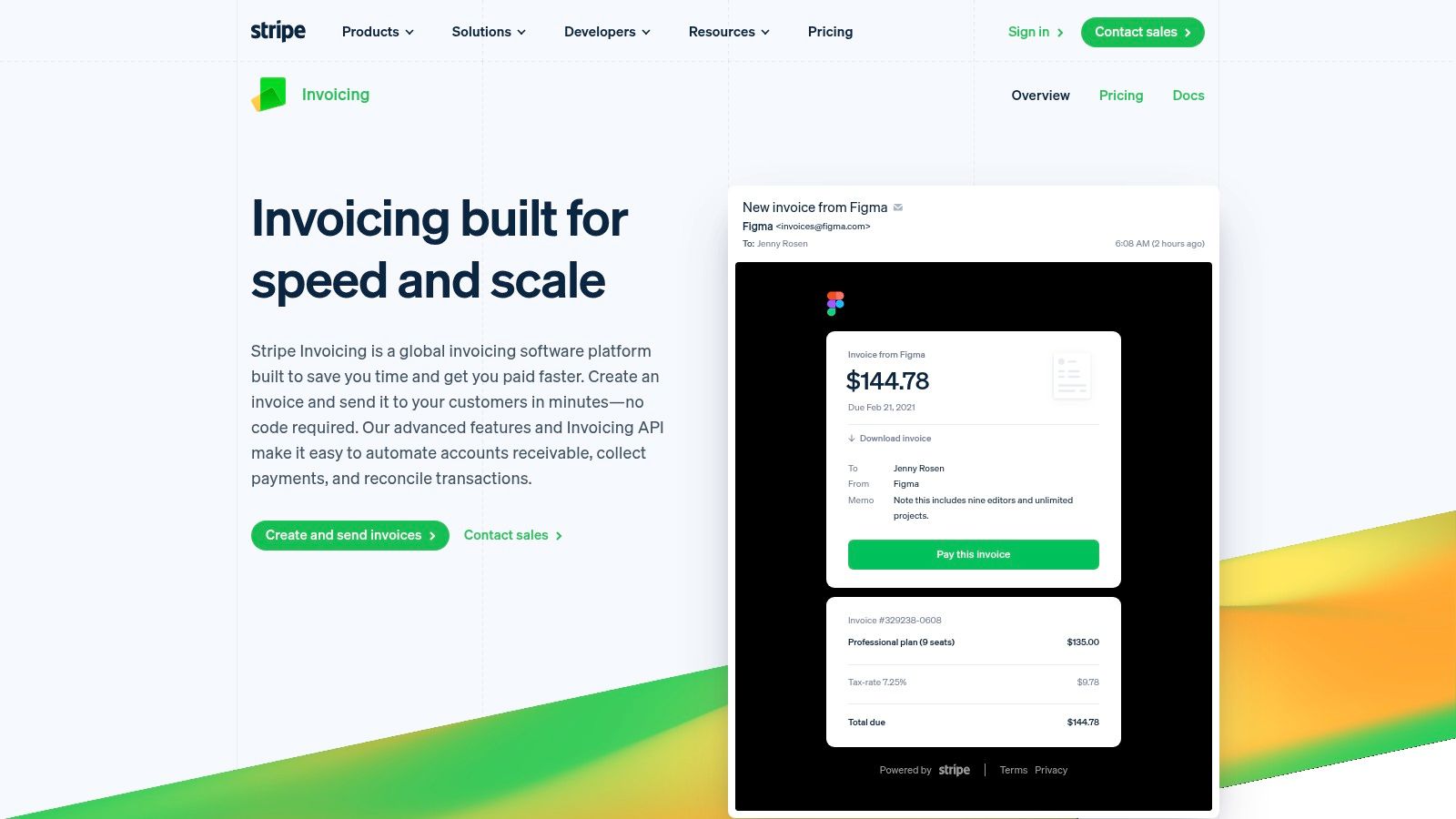
Stripe is a giant in online payment processing, and its Invoicing tool leverages that powerful infrastructure to provide a seamless payment experience. It is the perfect invoice management software for small business owners, developers, and SaaS companies that already use Stripe or need deep, API-driven customization. It’s built to simplify collecting one-time or recurring payments globally, saving you development time and administrative overhead.
Why It Stands Out
Stripe Invoicing excels with its developer-first approach and global reach. You can generate and send invoices directly from the dashboard or programmatically via its robust API, giving you complete control. Its hosted invoice pages are clean, professional, and optimized for conversion, helping you get paid faster. Actionable example: A software-as-a-service (SaaS) company uses Stripe’s API to automatically generate and send an invoice the moment a user upgrades their plan. This hands-off process ensures accurate, timely billing without manual intervention, providing peace of mind and boosting productivity.
- Best For: Businesses already using Stripe Payments, developers needing API access, and companies with international customers.
- Key Features: Hosted invoice pages, automated accounts-receivable workflows, quotes, support for global payment methods, and powerful APIs.
- Pricing: The “Starter” plan has no monthly fee, charging 0.4% per paid invoice. The “Plus” plan is $8/month and adds quotes, automated collections, and reporting. Standard Stripe payment processing fees apply to both.
| Pros | Cons |
|---|---|
| No monthly fee for basic invoicing | Per-invoice fees add up on top of processing fees |
| Excellent for international payments | Best value when already using Stripe for payments |
| Powerful and flexible API for custom solutions | Not a complete accounting solution |
Website: https://stripe.com/invoicing
7. Xero (US)
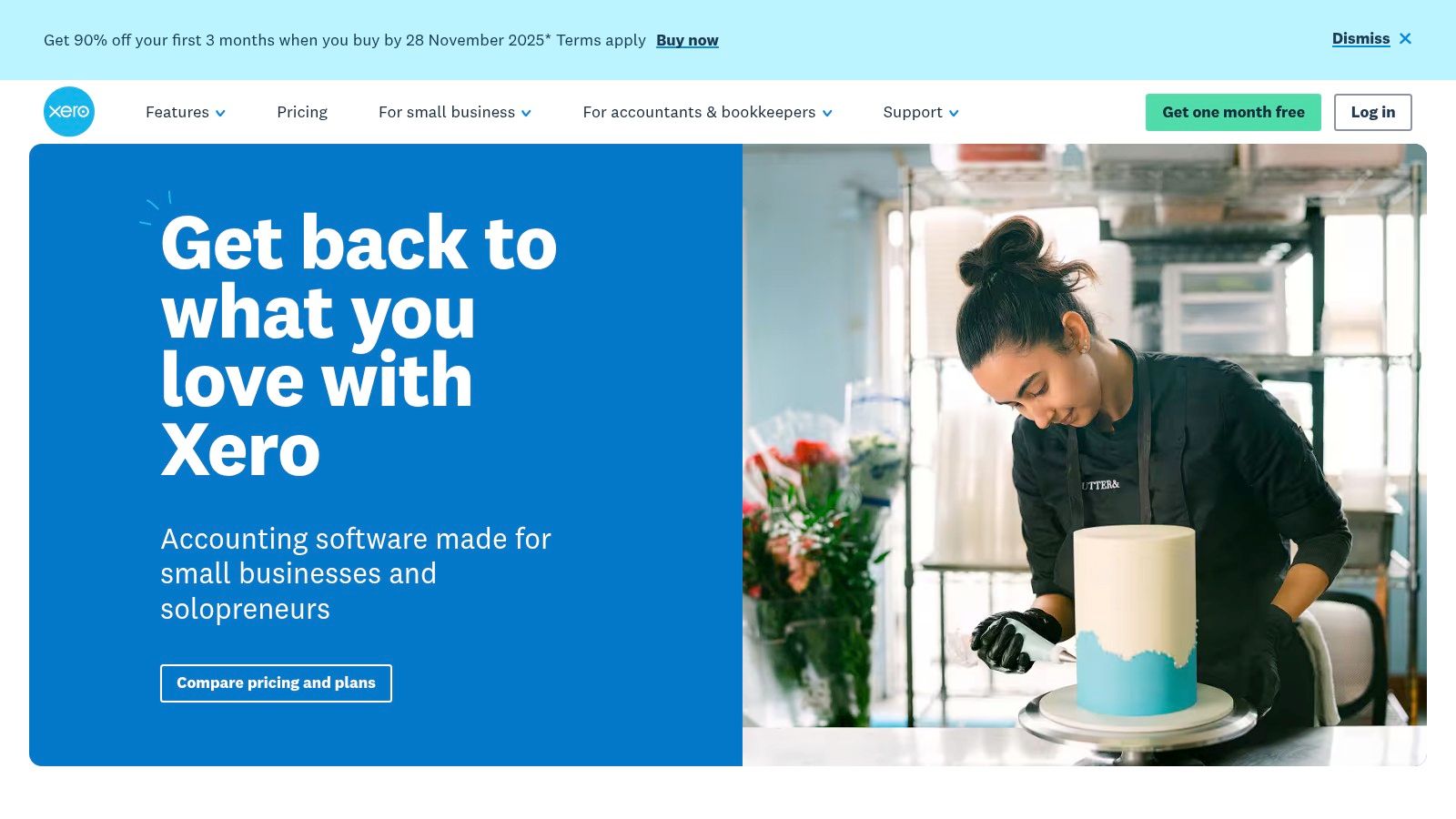
Xero presents itself as a beautiful and user-friendly alternative to more traditional accounting software. It’s a strong contender for the best invoice management software for small business owners who prioritize design and ease of use. Like QuickBooks, it’s a full accounting suite, but its clean interface and robust automation simplify financial management, save you time, and give you a clear, stress-free view of your business health.
Why It Stands Out
Xero excels at automating the invoicing and payment collection process, saving you significant time and boosting productivity. You can create professional invoices, set up recurring billing schedules, and send automated reminders to clients when payments are due. Its direct bank feeds provide a real-time view of your cash flow. Actionable example: A business owner logs into Xero in the morning and sees a clear dashboard of outstanding invoices and recent payments from the linked bank account. They can reconcile transactions in just a few clicks, gaining an up-to-the-minute understanding of their financial position in minutes, not hours.
- Best For: Small businesses looking for a modern, intuitive accounting platform with strong automation and a vast integration library.
- Key Features: Customizable and recurring invoices, automated payment reminders, direct bank feeds, a powerful mobile app, and a large app marketplace.
- Pricing: Plans start at $15/month for “Early,” with “Growing” at $42/month being a popular choice for most small businesses. Project and expense tracking are available as add-ons.
| Pros | Cons |
|---|---|
| Clean UI and good automation for AR/AP workflows | Learning curve for users switching from QuickBooks |
| Strong third-party integrations for expanding functionality | Some advanced features and add-ons increase total cost |
| Excellent mobile app for on-the-go management | US payroll features are not as mature as some competitors |
Website: https://www.xero.com/us/
8. Wave
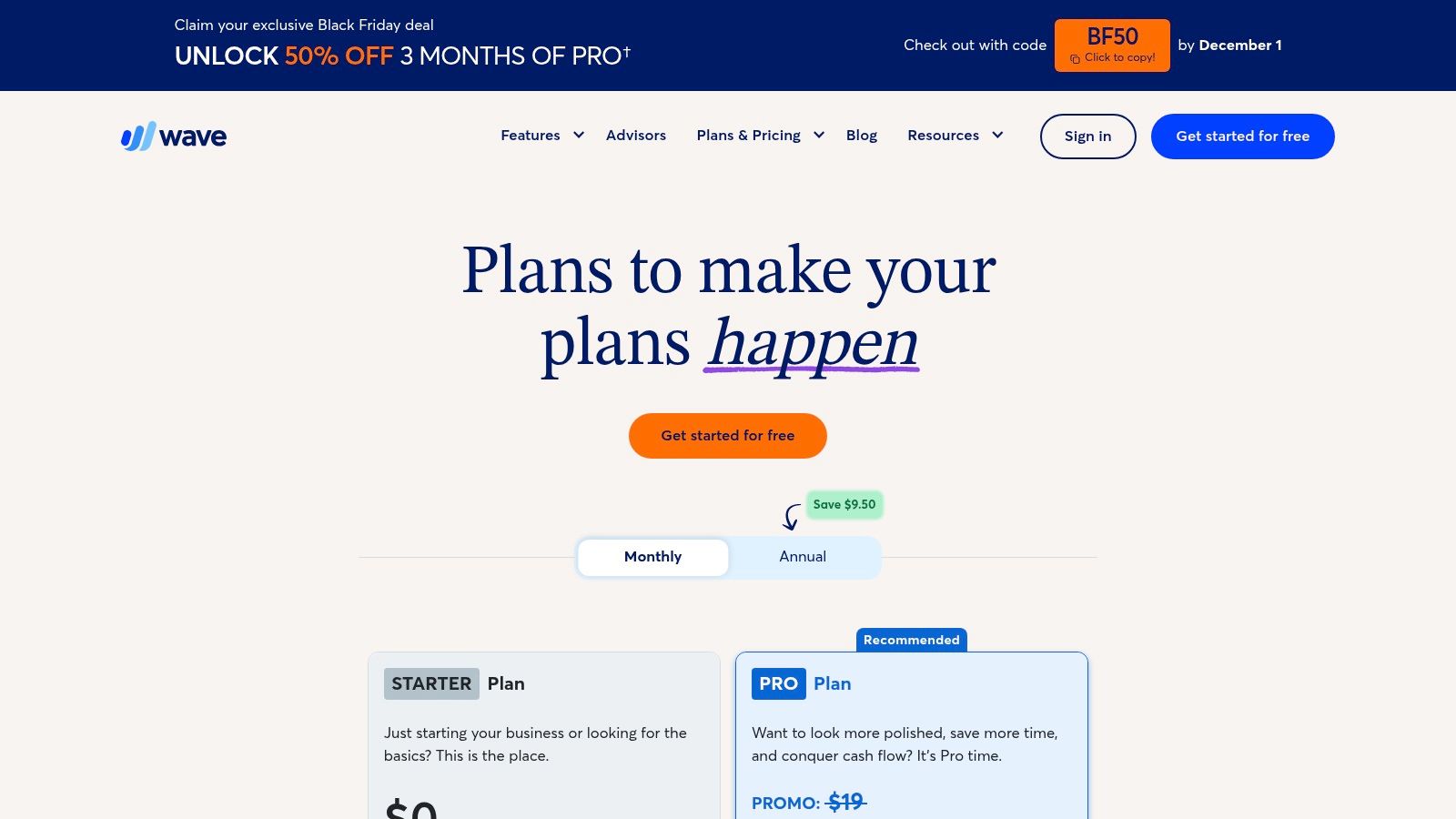
Wave makes a powerful statement by offering a truly free-to-start accounting and invoicing platform. For freelancers and new businesses, Wave eliminates the monthly subscription fee, a significant barrier to entry. It provides the essential tools to manage income, send unlimited professional invoices, and maintain a clear financial picture without an initial investment, allowing business owners the peace of mind to focus their capital on growth.
Why It Stands Out
Wave’s core appeal is its unbeatable value: robust, unlimited invoicing and accounting at no monthly cost. The platform generates revenue through optional, pay-per-use services like payment processing, meaning you only pay for what you use. This model provides immense peace of mind for business owners with fluctuating income. The user interface is clean and straightforward, making it one of the easiest platforms to get started with, saving you time on setup and training.
- Best For: Freelancers, consultants, and new small businesses seeking a powerful, no-cost solution for basic invoicing and accounting.
- Key Features: Unlimited customizable invoices and estimates, recurring billing, built-in payment processing, and free accounting features.
- Pricing: The core Invoicing and Accounting software is free. Wave Pro, which includes mobile receipt scanning and other features, is $16/month. Payment processing fees are competitive.
| Pros | Cons |
|---|---|
| Core invoicing and accounting are free | Less feature-rich than comprehensive suites |
| Extremely easy to use and set up | Advanced features require a Pro subscription |
| Professional-looking invoice templates | Customer support is more limited on the free plan |
Website: https://www.waveapps.com/pricing
9. PayPal Invoicing
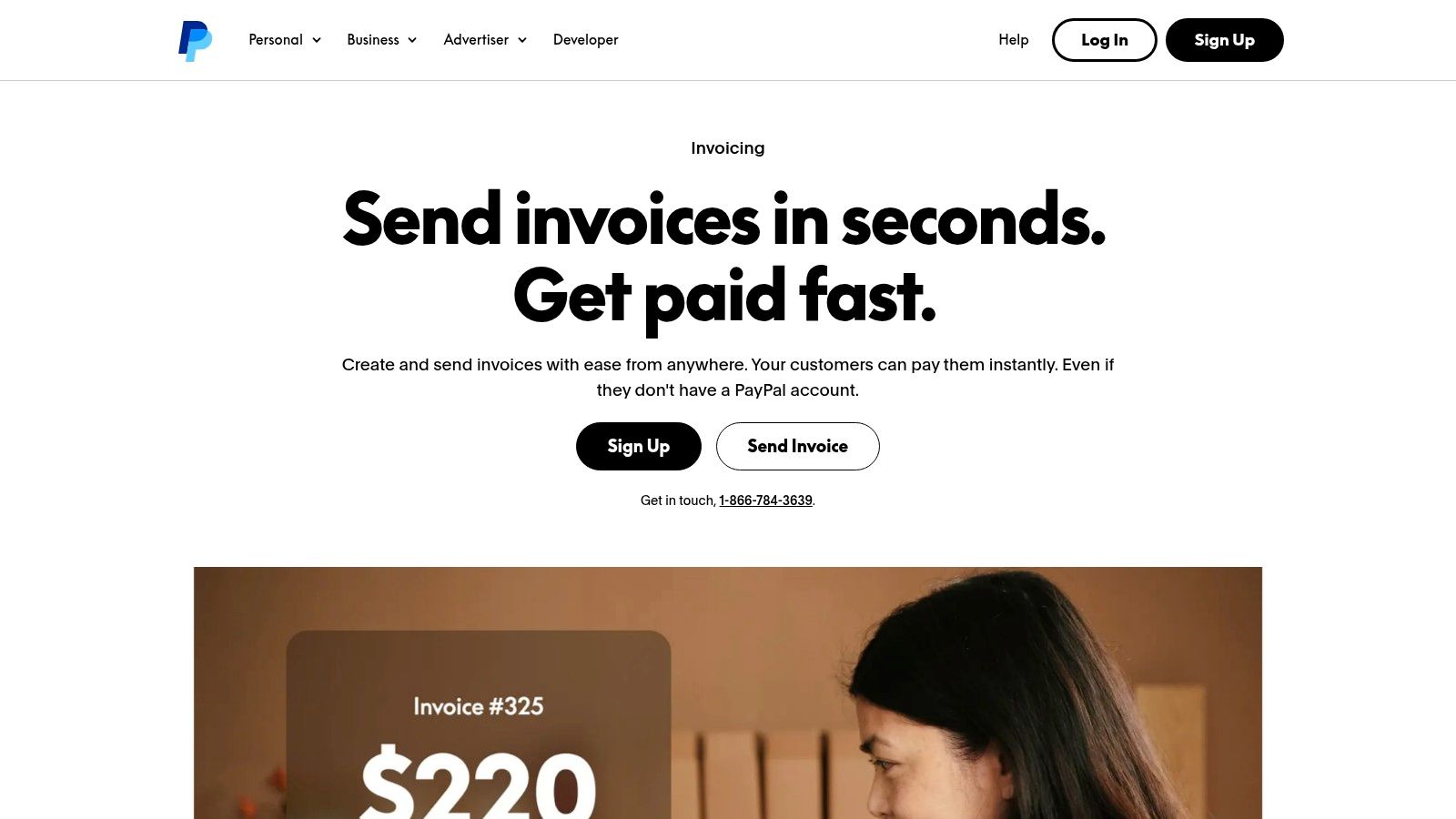
PayPal is a globally recognized payment platform, but many small businesses overlook its powerful, built-in invoicing tools. PayPal Invoicing is a straightforward and effective solution for freelancers and small businesses that need to create and send invoices quickly without a monthly subscription. It’s an excellent choice for businesses that already use PayPal, as it seamlessly integrates payment processing into the invoicing workflow, offering simplicity and peace of mind.
Why It Stands Out
PayPal Invoicing’s main advantage is its universal accessibility and the high level of trust customers have in the brand. You can create customizable invoices and accept a wide array of payment methods, including PayPal, Venmo, credit/debit cards, and Apple Pay. This platform is particularly strong for businesses with international clients, as it handles payments across over 200 markets. The mobile app makes invoicing on the go effortless, saving valuable time. For businesses looking to streamline their finances, it’s also important to manage related paperwork, and learning how to organize business receipts is a great complementary skill.
- Best For: Freelancers and small businesses, especially those in e-commerce or with international customers, who want a free invoicing tool with integrated payment processing.
- Key Features: No monthly fees, accepts PayPal, Venmo, and major cards, mobile invoicing via the app, and global payment capabilities.
- Pricing: Free to create and send invoices. Standard PayPal transaction fees apply to payments received (e.g., 2.99% + fixed fee for US-based card payments).
| Pros | Cons |
|---|---|
| No subscription fees for invoicing | Transaction fees can be higher than ACH |
| High consumer trust and brand recognition | Limited accounting and reporting features |
| Excellent for international payments | Not a comprehensive financial suite |
Website: https://www.paypal.com/us/business/accept-payments/invoice
10. BILL (formerly Bill.com)
BILL is an intelligent business payments platform that goes beyond simple invoicing to automate the entire accounts receivable (AR) and accounts payable (AP) lifecycle. This makes it a powerful invoice management software for scaling small businesses that need stronger financial controls. It’s designed to reduce manual data entry, streamline approval workflows, and provide a clear audit trail, offering significant time savings and peace of mind for growing finance teams.
Why It Stands Out
BILL excels by connecting your invoicing directly to your payment and reconciliation processes. You can create professional invoices, set up recurring billing, and automate payment reminders. Its real power comes from its robust, two-way sync with accounting software like QuickBooks and Xero, ensuring your books are always up-to-date without manual intervention, a huge productivity booster. For businesses looking to optimize their financial operations, understanding how automated invoice processing software is crucial helps leverage platforms like BILL effectively.
- Best For: Growing SMBs needing to automate both accounts receivable and accounts payable with strong financial controls.
- Key Features: Branded invoices, recurring schedules, automated reminders, multiple payment options (ACH, card, wire), role-based approvals, and a full audit trail.
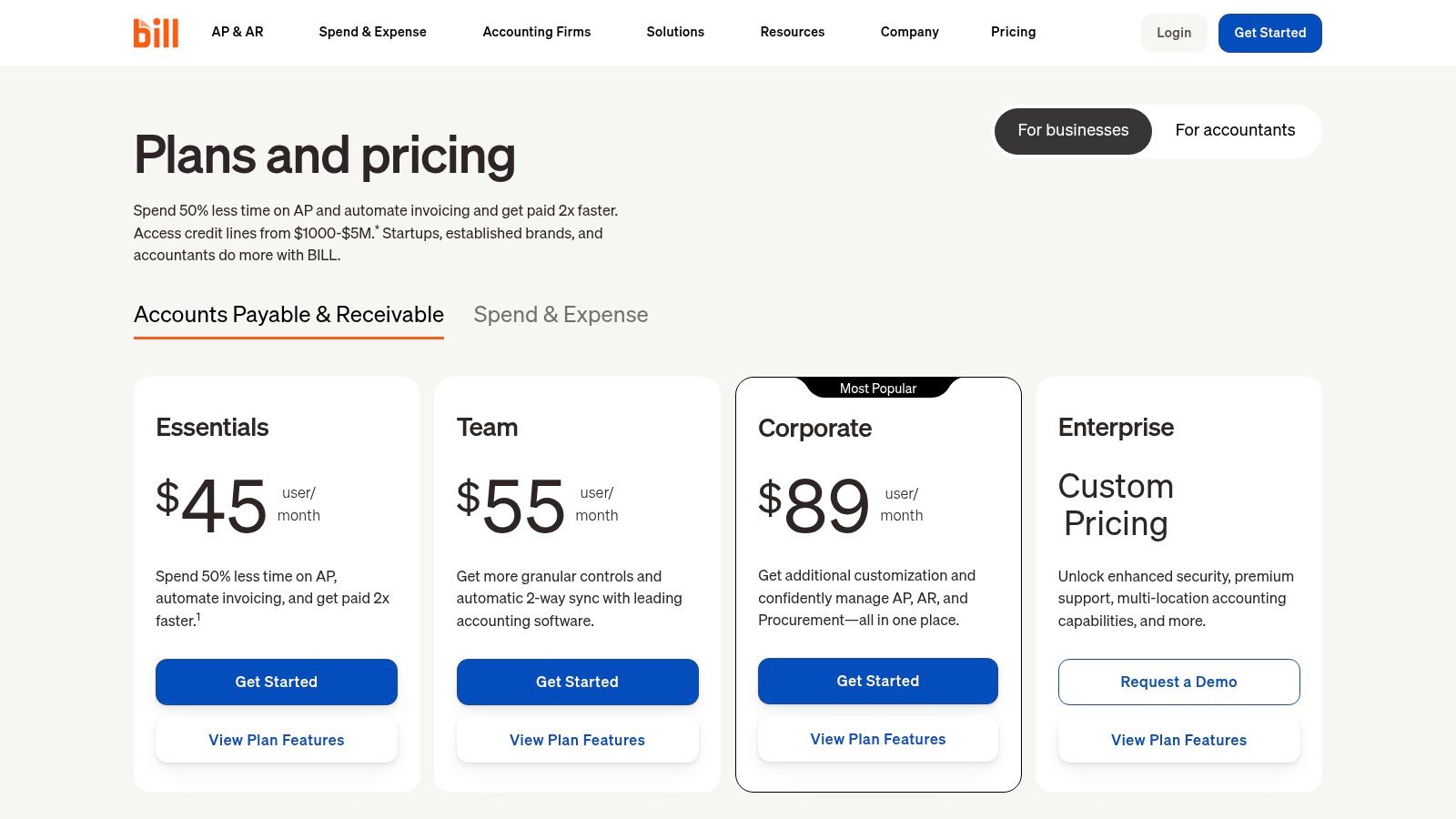
- Pricing: The “Essentials” plan for AR starts at $45 per user/month. The more comprehensive “Team” plan is $55 per user/month and adds AP automation.
| Pros | Cons |
|---|---|
| Reduces manual AR/AP workload | Per-user pricing plus transaction fees can add up |
| Deep integrations and accounting controls | More complex to operate than basic invoicing apps |
| Strong audit trail and security features | May be overly robust for simple freelance needs |
Website: https://www.bill.com/product/pricing/
11. Invoice2go (from BILL)
Invoice2go, now part of the BILL family, is a mobile-first invoice management software designed for small business owners who are constantly on the move. Its core strength is simplicity and speed, making it an ideal choice for contractors and freelancers who need to create estimates and invoices from their phones. If your office is a truck or a client’s home, Invoice2go streamlines the billing process so you can get paid faster without waiting to get back to a computer, a massive productivity win.
Why It Stands Out
Invoice2go excels at on-the-go invoicing. Actionable example: A plumber finishes a repair, opens the app, and creates an invoice from a pre-saved template in under a minute. They email it to the homeowner before packing up their tools. This rapid workflow is perfect for finishing a job and immediately issuing a bill. It also supports instant payments via credit card or ACH directly from the invoice link, improving cash flow and saving time on follow-ups.
- Best For: Solo tradespeople, field service professionals, and micro-businesses who prioritize mobile invoicing speed.
- Key Features: Mobile-first interface, quick estimate-to-invoice conversion, online payment processing, branded templates, and client messaging.
- Pricing: Plans start at $5.99/month for the “Lite” plan, with “Premium” at $33.99/month offering more advanced features. A free trial is available.
| Pros | Cons |
|---|---|
| Extremely fast and easy to use on mobile devices | Full accounting requires a separate system |
| Perfectly suited for solo trades and field service pros | Subscription and payment processing fees apply |
| Simple, clean, and professional invoice templates | Reporting is basic compared to all-in-one platforms |
Website: https://invoice.2go.com/
12. G2 — Invoice Management Software category
Instead of being a single software, G2 is a powerful marketplace and review platform where you can discover and compare hundreds of tools side-by-side. This makes it an essential first stop for any small business owner feeling overwhelmed by choice. G2 helps you move from a broad search for “invoice management software for small business” to a targeted shortlist based on your specific needs, saving you countless hours of research and providing the peace of mind that comes from a well-informed decision.
Why It Stands Out
G2 excels at providing a comprehensive, user-driven overview of the market. You can filter solutions based on specific features like recurring billing or payment processing, read verified user reviews, and see satisfaction scores. Actionable example: A small e-commerce business owner needs an invoicing tool that integrates with Shopify and supports international payments. On G2, they can apply these specific filters to instantly narrow down a list of hundreds of options to just a handful of relevant candidates, dramatically speeding up their research process.
- Best For: Small businesses in the research phase looking to compare options and create a shortlist of potential invoicing tools.
- Key Features: Advanced filtering by company size and features, side-by-side comparison grids, verified user reviews, and direct links to vendor websites for trials.
- Pricing: Free to browse and use for research purposes.
| Pros | Cons |
|---|---|
| Discover a wide range of tools | Sponsored placements can influence results |
| Real user reviews and satisfaction data | Must visit vendor sites to verify pricing |
| Excellent for shortlisting and comparison | Review quality can sometimes vary |
Website: https://www.g2.com/categories/invoice-management
Top 12 Invoice Management Tools Comparison
| Product | Core features | Target audience | UX / Quality | Pricing / Value | Unique selling points |
|---|---|---|---|---|---|
| 🏆 Filently | OCR + AI renaming, auto-foldering, zero-touch cloud processing | 👥 Freelancers, accountants, busy professionals | ★★★★★ (90%+ accuracy) | 💰 Free / Pro / Business; early 33% off for first 100 | ✨ Privacy-first (processes in your cloud), learns folder conventions, activity timeline |
| Intuit QuickBooks Online | Full accounting + invoicing, reporting, app integrations | 👥 SMBs, bookkeepers, accountants | ★★★★ | 💰 Tiered subscription; add-ons (payroll/payments) | ✨ All-in-one accounting ecosystem, large accountant network |
| FreshBooks | Invoicing, time tracking, client portal, mobile apps | 👥 Freelancers, service businesses | ★★★★ | 💰 Tiered plans; client limits on lower tiers | ✨ Excellent client-facing invoices & mobile UX |
| Zoho Invoice | Custom invoices, time tracking, client portal, gateway options | 👥 Small businesses seeking low-cost invoicing | ★★★★ | 💰 Forever-free plan; paid tiers for more features | ✨ Strong free tier; integrates with Zoho suite |
| Square Invoices | Unlimited invoices, recurring, POS & hardware integration | 👥 Trades, retail, appointment businesses | ★★★ | 💰 Free invoicing; processing fees apply; Plus for advanced | ✨ Tight integration with Square POS & in-person payments |
| Stripe Invoicing | Hosted invoices, AR workflows, powerful APIs | 👥 Developers, SaaS, global sellers | ★★★★ | 💰 Pay-as-you-go invoicing + Stripe processing fees | ✨ Best for programmable invoicing & global payments |
| Xero (US) | Accounting suite, bank feeds, invoicing, app marketplace | 👥 SMBs switching from QuickBooks | ★★★★ | 💰 Tiered subscription; add-ons raise cost | ✨ Clean UI, strong third-party integrations |
| Wave | Unlimited invoices, basic accounting, optional payroll/bookkeeping | 👥 Very small businesses & freelancers | ★★★ | 💰 Free starter; payments & Pro add costs | ✨ Budget-friendly starter option with simple setup |
| PayPal Invoicing | Custom invoices, mobile invoicing, broad payment options | 👥 Consumer-facing sellers, international customers | ★★★ | 💰 No subscription; higher processing fees | ✨ Wide payment reach (PayPal, Venmo, wallets) |
| BILL (formerly Bill.com) | AR/AP automation, approvals, multi-rail payments, audit trail | 👥 Scaling finance teams, mid-market SMBs | ★★★★ | 💰 Per-user subscriptions + transaction fees | ✨ Robust controls, two-way sync with accounting systems |
| Invoice2go (from BILL) | Mobile-first estimates→invoices, client messaging, payments | 👥 Solo trades, field service pros | ★★★ | 💰 Subscription after trial; processing fees | ✨ Fast mobile workflows for on-the-go invoicing |
| G2 — Invoice Management category | Marketplace with reviews, comparisons, feature filters | 👥 Buyers researching software | ★★★★ | 💰 Free to browse; vendor pricing varies | ✨ Aggregated reviews & side-by-side shortlisting |
Final Thoughts
We’ve explored a comprehensive landscape of the best invoice management software for small business. The journey reveals a clear, powerful truth: manual invoicing is no longer a necessary evil. It’s an outdated, time-consuming process that you can, and should, automate for greater productivity and peace of mind.
The right software doesn’t just send a bill; it transforms your entire financial workflow. It eliminates the tedious tasks of creating invoices, chasing late payments, and manually reconciling your books. This reclaimed time is your most valuable asset. It’s more time to focus on delivering exceptional service, developing new products, or simply achieving a better work-life balance.
Key Takeaways and Your Next Steps
Choosing the best tool means matching its strengths to your unique business needs. Here’s a quick recap to guide your decision:
- For an all-in-one solution: If you want invoicing deeply integrated with your accounting for maximum time-saving and a single source of truth, look towards Intuit QuickBooks Online or Xero.
- For service-based businesses: If your focus is on project management, time tracking, and client-centric billing, FreshBooks is an excellent, purpose-built choice.
- For ultimate simplicity and free options: Startups and freelancers can get incredible value from Wave or Zoho Invoice’s free plans, which cover all the essentials without the initial cost, offering immediate peace of mind.
- For payment processing integration: If you already use a payment gateway, leveraging Square Invoices, Stripe Invoicing, or PayPal Invoicing is a logical and seamless next step.
How to Make the Right Choice
Before you commit, take these final steps to ensure you find the perfect fit:
- Identify Your Core Pain Point: Are you losing hours to manual data entry? Struggling with late payments? Pinpoint your biggest frustration and look for a tool that solves it directly. For example, if chasing payments is your main issue, prioritize a tool with excellent automated reminders.
- Consider Your Growth: Choose a platform that can scale with you. Think about your business goals. Do you plan to hire employees or manage more complex projects? Ensure your chosen software can grow with you.
- Use the Free Trials: There is no substitute for hands-on experience. Use this opportunity to send a test invoice, connect your bank account, and explore the user interface. A tool is only useful if you enjoy using it.
Ultimately, selecting the right invoice management software for small business is a strategic decision to invest in your own productivity and peace of mind. It’s about building a more efficient, professional, and profitable business. For those evaluating where invoice management fits into a larger financial ecosystem, exploring the top accounting software for small businesses can provide valuable context on building a complete financial toolkit.
The goal is to find a system that empowers you to spend less time on administration and more time on the work you love.
Ready to take the first step towards effortless document organization? Filently uses AI to automatically file, name, and organize all your business documents, including the invoices you receive. Stop searching through folders and let Filently create the perfect digital filing cabinet for you.