
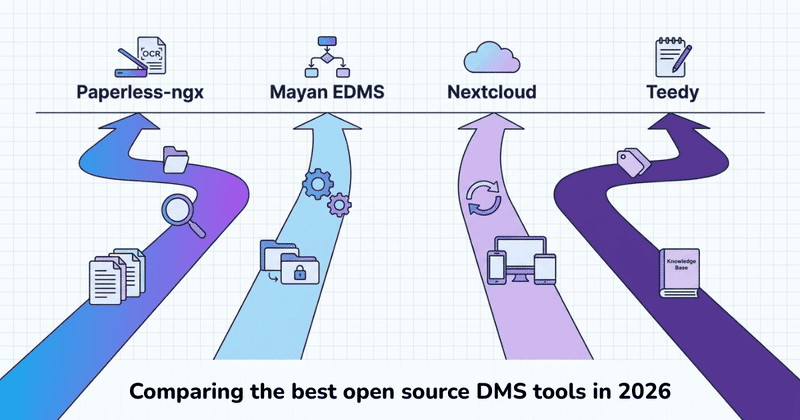
Open source document management has matured. There are now several actively maintained options that can genuinely replace expensive proprietary DMS software, if you’re prepared to run your own infrastructure.
This guide is specifically about self-hosted, open-source tools: Paperless-ngx, Mayan EDMS, Nextcloud, and Teedy. If SharePoint, Box or M-Files are on the list instead, the prior question is whether a document management system is the right category at all.
Here we cover the open-source tools, what they actually do, what self-hosting costs in time and money, and an honest look at who each tool is for.
Quick answer: The best open source DMS for most individuals and small teams is Paperless-ngx: OCR, machine-learning auto-classification, full-text search, runs on Docker. For organizations with complex approval workflows, Mayan EDMS is the right tool. For teams wanting a self-hosted Google Drive replacement with document collaboration, Nextcloud is the most complete option. All three require a server you manage yourself.
What an Open Source DMS Actually Does
A document management system handles the full lifecycle of a document: intake, classification, storage, retrieval, version control, and access permissions. OCR (optical character recognition) converts scanned PDFs and images into searchable text. Metadata — document type, date, author, status — makes retrieval reliable when you have hundreds or thousands of files. Workflow automation routes documents through approval steps without manual forwarding.
The “open source” part means the source code is public, free to use on your own infrastructure, and modifiable if you have development resources. No per-user licensing fees. You control where the data lives.
What open source doesn’t mean: zero cost or zero effort. You need a server, setup time, and ongoing maintenance. More on what that looks like below.
The Best Open Source DMS Options in 2026
Paperless-ngx — Best for Individuals and Small Teams
The most popular self-hosted document management tool, with 20,000+ GitHub stars and very active development.
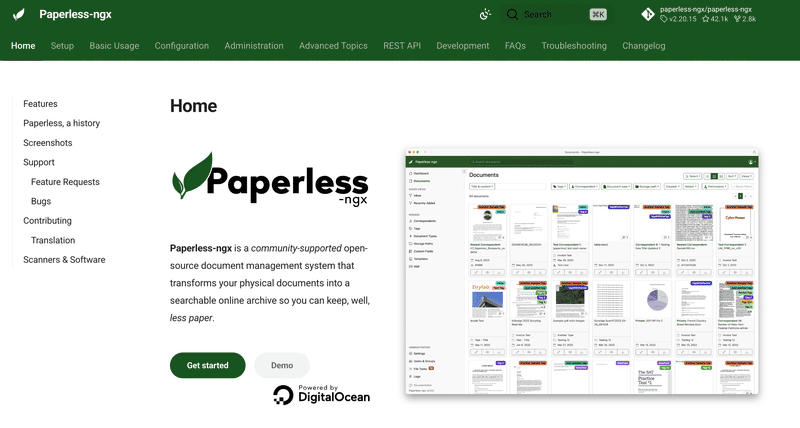
What it does: Paperless-ngx ingests PDFs, images, and scanned documents via a web interface, email import (IMAP), or a watched folder on your server. It runs OCR on everything using Tesseract, extracts the full text, and uses a machine learning classifier to automatically apply tags and document types based on your history. You end up with a fully searchable archive where every document is retrievable in seconds.
What it requires: Docker on a home server, NAS, or cloud VPS. Someone comfortable with Linux and Docker can have it running in an afternoon. A Raspberry Pi 4 handles light personal use; a NAS or small VPS is better for teams.
Best for: Individuals, freelancers, and small offices building a document archive: receipts, invoices, contracts, bank statements, anything that arrives as a scan or PDF. Strong OCR and auto-classification are Paperless-ngx’s main advantages over everything else in this list.
Not ideal for: Complex multi-step approval workflows or organizations with strict compliance requirements.
Mayan EDMS — Best for Workflow Automation and Compliance
A full enterprise document management system built on Python and Django.
What it does: Mayan EDMS is the most feature-complete open source DMS available. It has a proper workflow engine: you can define multi-step approval processes, document state machines, and automatic transitions triggered by metadata changes. Documents move through defined states (Draft, Under Review, Approved, Archived), with every action logged in a full audit trail. OCR is built in. Access controls go down to the individual document level.
What it requires: Docker (recommended) with more configuration than Paperless-ngx. Setting up workflows, permissions, and metadata schemas properly takes significant time. Plan for a full day of initial configuration, more if you need custom workflows.
Best for: Organizations with document approval requirements, legal firms, government agencies, finance teams, or any situation where documents need to go through formal, auditable review chains. If “document management workflow open source” is what you were searching for, Mayan EDMS is the answer.
Not ideal for: Small teams that don’t need compliance or approval workflows. The learning curve and maintenance overhead is significant for casual use.
Nextcloud — Best for Team File Collaboration
A self-hosted cloud platform, not a traditional DMS, but the most complete open source alternative to Google Drive or SharePoint.
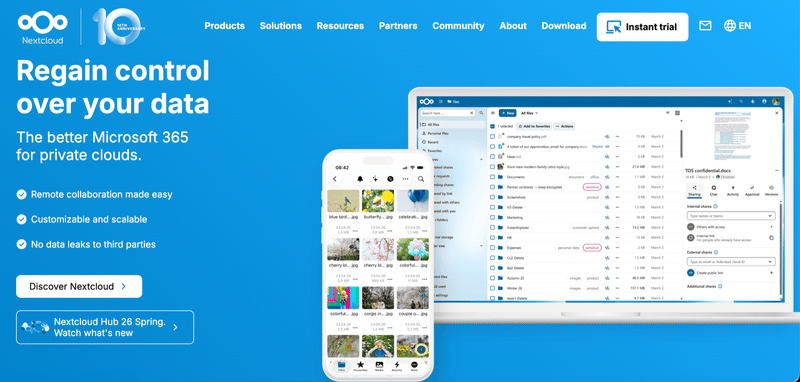
What it does: Nextcloud syncs and shares files across devices, with desktop clients, mobile apps, and a web interface. With the right plugins (Nextcloud Office for document editing, Fulltextsearch for full-text indexing, Document Approval for review workflows), it covers most of what teams need from a document platform. It’s more of a file collaboration system than a true DMS. Metadata management and OCR are limited compared to Paperless-ngx or Mayan.
What it requires: A server with at least 2 GB RAM. Many hosting providers offer one-click Nextcloud installers. Setup is faster than Mayan EDMS; the plugin ecosystem does require some configuration.
Best for: Teams that want to move away from Google Drive or Dropbox entirely and host their own solution, with real-time document editing, external sharing, and team collaboration.
Not ideal for: Document archiving with OCR and auto-classification. Paperless-ngx is far stronger there.
Teedy — Clean Interface, Middle Ground
A focused document management system with a simpler feature set and a modern interface.
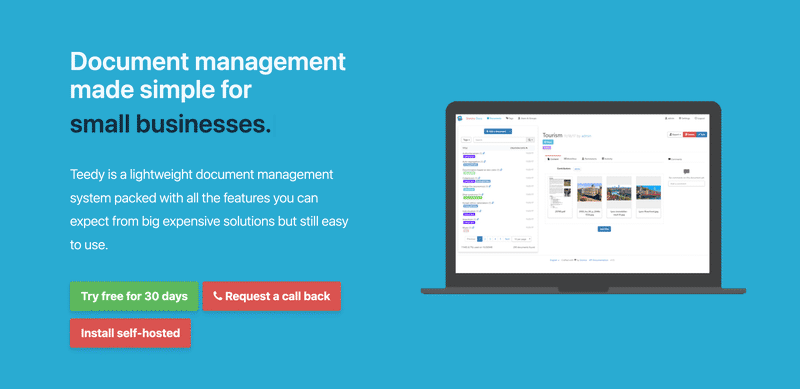
What it does: OCR, full-text search, tags, versioning, and basic workflow routing. Less powerful than Mayan EDMS, more purpose-built than Nextcloud. The interface is clean and approachable, closer to what a non-technical user would expect.
Best for: Small teams that find Paperless-ngx too personal and Mayan EDMS too complex. A reasonable middle ground if the interface and simplicity matter.
→ teedy.io
Open Source DMS at a Glance
| Paperless-ngx | Mayan EDMS | Nextcloud | Teedy | |
|---|---|---|---|---|
| Best for | Individuals, archiving | Enterprise, compliance | Teams, file sync | Small teams |
| OCR | ✓ | ✓ | Via plugin | ✓ |
| Auto-classification | ✓ ML-based | Manual | ✗ | ✗ |
| Workflow automation | Basic | Full | Via plugin | Basic |
| Setup complexity | Medium | High | Medium | Medium |
| Active development | Very active | Active | Very active | Active |
Already on Google Drive? There's a different approach. Filently identifies and files your documents automatically inside your existing Drive. No server, no migration, no maintenance.
First 25 documents free. 2-minute setup. No credit card needed.
What Self-Hosting Actually Costs
The software is free. Running it isn’t.
Hardware or hosting. A home NAS costs $200-400 upfront. A cloud VPS (Hetzner, DigitalOcean) runs $5-20 per month. A Raspberry Pi 4 (~$80) works for Paperless-ngx at personal scale.
Setup time. Paperless-ngx takes 2-4 hours for someone comfortable with Docker. Mayan EDMS with workflows configured properly takes a full day or more. Nextcloud is faster with a one-click installer, but plugin configuration adds time.
Ongoing maintenance. OS and Docker image updates, storage management, occasional troubleshooting. Estimate 1-3 hours per month in steady state, more when something breaks.
Backups. The part most people underestimate. Your documents need reliable off-site backups: a second cloud provider, external drive, or dedicated backup service. A backup strategy you haven’t tested isn’t a backup strategy.
If your team has someone who enjoys managing infrastructure, the total cost of ownership over time is lower than most proprietary DMS options. If nobody wants to touch a command line, the “free” software will cost you in hours instead of dollars — which is the comparison worth making against a hosted plan before deciding.
Who This Is For — and Who It Isn’t
Good fit for open source DMS:
- You have a technical person on the team comfortable with Docker and Linux
- You have compliance or regulatory requirements that rule out cloud SaaS
- You want complete control over where your data lives
- You’re building a document archive with hundreds or thousands of scanned files
- You need formal approval workflows with audit logs (Mayan EDMS specifically)
Not a good fit:
- Nobody on the team wants to manage a server
- Your documents already live in Google Drive and your team is comfortable there
- You’re a freelancer or solopreneur who needs automatic document filing, not infrastructure
- You want something running in 10 minutes
An Alternative for Google Drive Users
All the tools above require migrating files onto your own infrastructure. If your team is already on Google Drive and wants to stay there, Filently is a different approach: an AI filing layer that works inside your existing Drive. No server, no Docker, no migration — documents get classified, renamed, and filed automatically as they arrive. It’s not a DMS replacement; it’s the filing step your Drive is missing.
For a full comparison of DMS approaches — including why most small businesses don’t need SharePoint, Box, or M-Files either — see our pillar guide on traditional document management software.
Set it up once. Files organized from that point forward. Filently identifies every document, applies your naming convention, and files it in the right folder. Automatically, inside your Google Drive.
First 25 documents free. 2-minute setup. No credit card needed.