Start with a new workspace
Your files live in The Drive AI, with Google Drive available on supported plans. For reliable filing, you build a workflow.
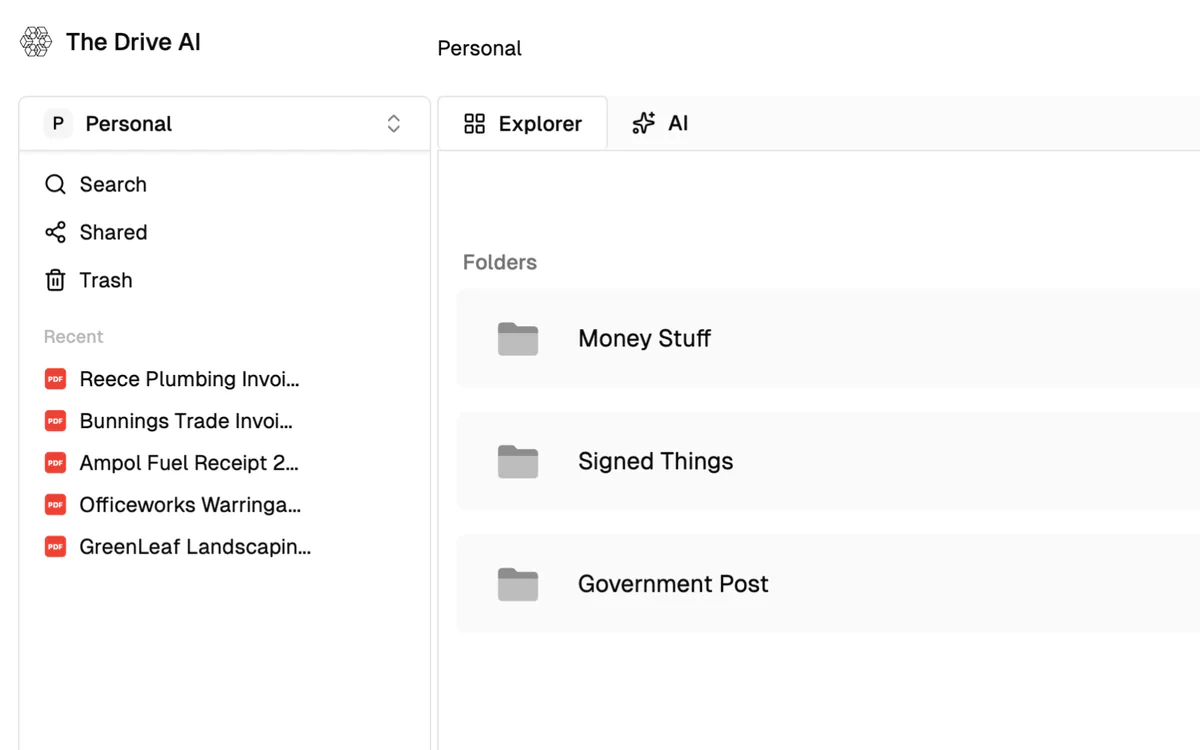
The Drive AI gives you a new AI workspace to build around your files. Filently works in the Google Drive you already use. A new document comes in? Filently names it and files it into the folders that are already there.
Both can organize your documents. The difference is where you start.
Your files live in The Drive AI, with Google Drive available on supported plans. For reliable filing, you build a workflow.
Filently names each document and files it into the folder structure you already use.
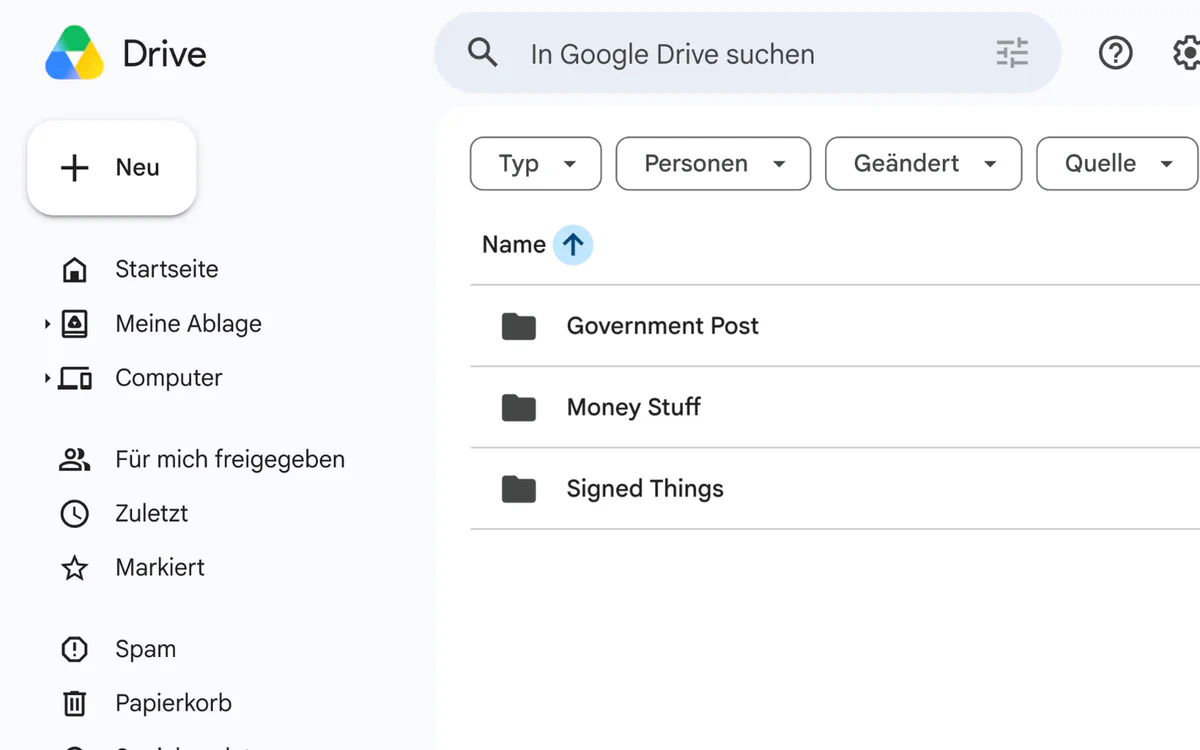
Choose The Drive AI if you want a full AI workspace with chat, agents and custom workflows.
Choose Filently if you want your existing Google Drive organized, with every document named and filed, without building workflows.
The Drive AI can work with Google Drive. On the plans that include the Google Drive connection, Max and Team, you can build workflows that watch files, move them and automate filing inside your Drive.
The difference is how you get there. The Drive AI gives you a workflow builder. Filently gives you a filing system.
A one-click template builds the first workflow for you. Shaping it into the filing you want is the rest.
Switch on auto-filing and the confident cases are filed without you. Anything uncertain still waits.
With Filently, there’s no workflow to build and no filing rules to design. Connect your Drive and start filing.
The Drive AI can file documents accurately into an existing folder structure, but you need to set up a workflow for it. Filently takes a simpler approach: connect your existing Google Drive and let Filently handle the filing. Connecting your own Google Drive to The Drive AI starts at $999.99 a year.
4 of 4 into existing folders. On a deeper structure with ambiguous pairs like Clients and Supplier: 3 of 4, then 4 of 4.
Asked to “organize these files”, it created four new folders next to the existing ones and left those empty.
The default workflow The Drive AI generated in our test only moved files. We added a Rename step and described the naming convention we wanted.
$999.99 a year, or Team at $79 per seat per month. Free and Premium can’t connect a Drive.
Same documents, same folders, no workflow. Twice: once as suggestions to review, once with auto-filing on.
The Drive AI is a strong product. Where it’s ahead, we say so.
| Feature | The Drive AI | Filently |
|---|---|---|
| Where your files live | ~Its own workspace or your Google Drive, on Max or Team | Advantage. ✓Your existing Google Drive |
| Google Drive connection | ~Max or Team only from $999.99 a year | Advantage. ✓Every plan |
| Automatic filing | ~With a workflow you build | Advantage. ✓Built in suggestions first, auto-filing when you switch it on |
| Setup for filing | ~Build and configure a workflow | Advantage. ✓Connect your Drive and review the suggestions |
| Review before filing | ~Only if you add an approval step | Advantage. ✓Yes, by default |
| Undo a filing | ~Ask the agent to undo it · costs AI steps | Advantage. ✓One file or many at once · filename and folder restored |
| Rename documents | ~Add a Rename step and write the naming rule | Advantage. ✓Part of every filing |
| Use your existing folders | Advantage. ✓Yes, with workflows the chat agent created new folders in our test | Advantage. ✓Yes files into the matching existing folder |
| Naming like your existing files | Advantage. ✓Yes, with an instruction in the Rename step | Advantage. ✓Yes learns it from about 15 files in a folder (optional) |
| Existing documents | Advantage. ✓Yes with a scheduled workflow | Advantage. ✓Yes upload them or move them into the inbox |
| GDPR | ~Not stated | Advantage. ✓GDPR compliant |
| Document processing location | ~Not stated | Advantage. ✓Switzerland and the EU |
| Your data used for AI training | Advantage. ✓No | Advantage. ✓No |
| Security audit | Advantage. ✓CASA Tier 2 | Advantage. ✓CASA Tier 2 |
| Beyond filing | Advantage. ✓Chat, search, agents, workflows, e-signatures, file requests, apps and more | ~Filing and document organization |
| Other storage and sources | Advantage. ✓Google Drive, OneDrive, Dropbox, SharePoint and more, depending on plan | ~Google Drive plus email forwarding on Professional |
| Free plan | Advantage. ✓Ongoing free plan in its own storage: 10 AI steps a day (about 3 documents via the agent), plus 20 workflow files a month on a separate budget | ~25 documents, once filed into your real Drive |
| Price for filing into your Google Drive | ~From $999.99 a year · Max | Advantage. ✓From $48 a year |
* The Drive AI’s Google Drive capabilities and pricing depend on plan. Max and Team support working with Google Drive; workflow configuration is required for automated filing.
Sources. Hands-on test on a free trial account, plus The Drive AI’s public documentation and website. Checked 21 September 2026.
Filently is not trying to be a complete AI workspace. The Drive AI has a much broader feature set. It combines files with AI chat and search, agents, workflow automation, e-signatures, file requests, multiple storage providers, business apps and integrations, and desktop and mobile apps.
If you want to build a broader AI workspace around your files, The Drive AI gives you more building blocks. If your main problem is keeping an existing Google Drive organized, Filently takes a much narrower approach.
$999.99 / year
Up to 2,000 documents a month through workflows, plus chat, agents, e-signatures and file requests.
from $48 / year
Personal: 600 documents a year. Professional: 3,000 a year for $152 — a pool, not a monthly cap.
The Drive AI is a broader AI workspace. Filently is focused on filing. Choose the product based on what you actually need.
25 documents free. No credit card required.
“My bookkeeper prefers receipts named in a specific format and saved into folders by year and month. I simply typed into Filently what I wanted it to do, and it does it.”
 Raeleen M.
Business owner · via G2
Raeleen M.
Business owner · via G2“What impressed me most is how reliably the filing works. … Implementation is effortless — simply connect Google Drive and you’re ready to go, with no complex setup or technical knowledge required.”
“The customer support is hands-down some of the best I have ever experienced. Support jumped into the chat right away, pinpointed the issue and got me completely back on track within minutes.”
If your files already live in Google Drive, just connect Filently and keep your existing folder structure. Filently handles the naming and filing for you.
Want the 250 bonus documents? Just send us a short message in the chat after you switch — we’ll unlock the bonus credits for you.
Filently analyzes a document only to name and file it. Processing happens in encrypted memory, and every copy is deleted the moment the file lands in your Drive.
No one — including Filently staff — can access your content, and your data is never used to train AI models. What's in your documents stays in your documents.
CASA Tier 2 certified: an independent lab tested Filently across 14 security categories for Google's App Defense Alliance.
Filently works inside your existing Google Drive. Cancel anytime — every organized file stays exactly where it is, named the way you like it.

Yes. The Drive AI can rename files through its workflow builder. In our test the generated filing workflow moved documents without renaming them, so we added a Rename step and described the naming convention we wanted — and it followed that instruction accurately.
With Filently, naming is part of the filing itself.
It depends on what you want your file system to be. The Drive AI is a broader AI workspace with chat, agents, workflows, e-signatures and integrations.
Filently focuses on organizing documents in the Google Drive you already use, without requiring you to build filing workflows.
Filently adds an intelligent filing layer to the Google Drive you already use. No migration. No new workspace. No filing workflows to build.
Try Filently free Get a demo25 documents free · No credit card required